OPD & Scheduling
Empower your clinic with
OPD & Scheduling
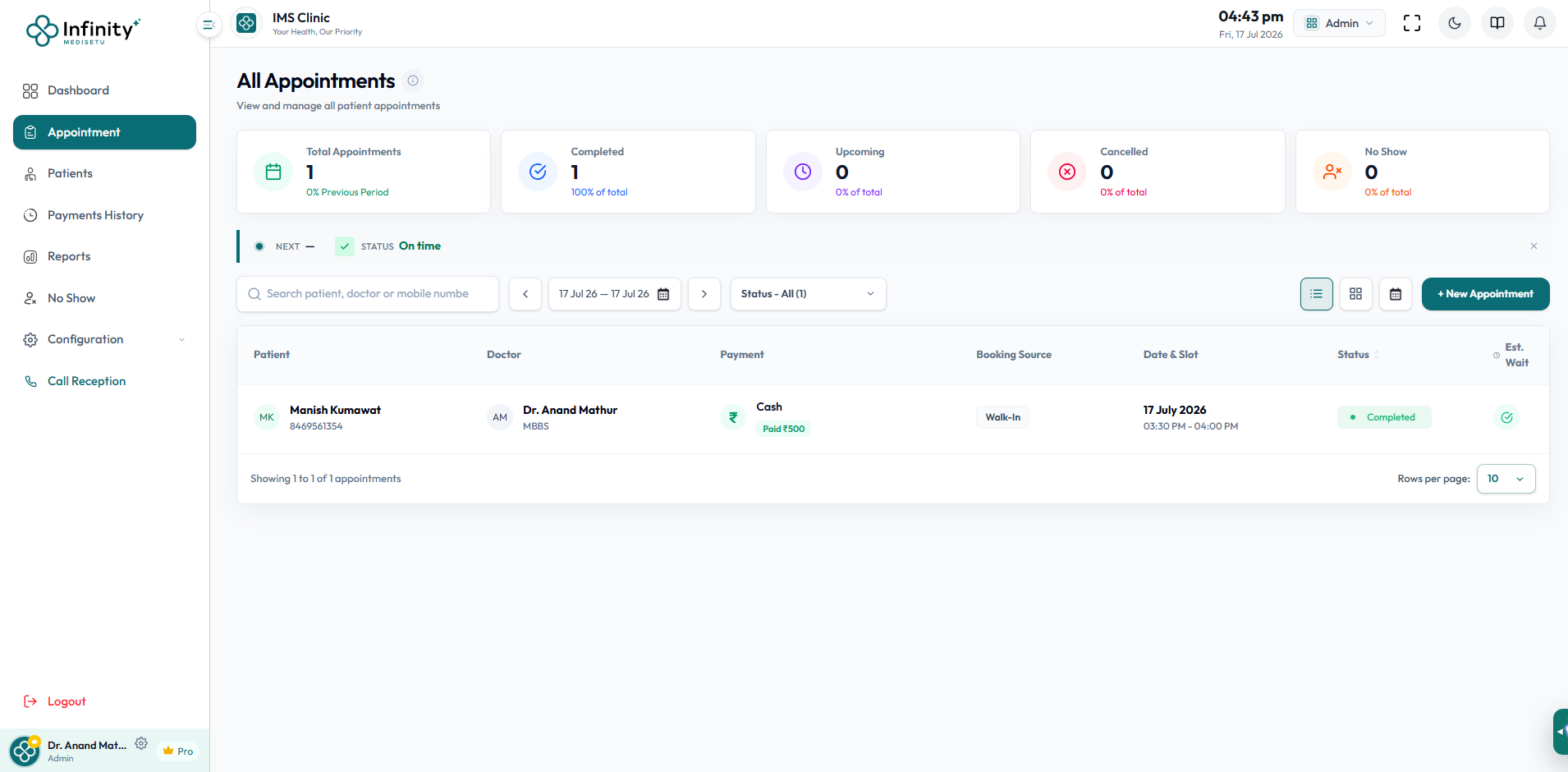
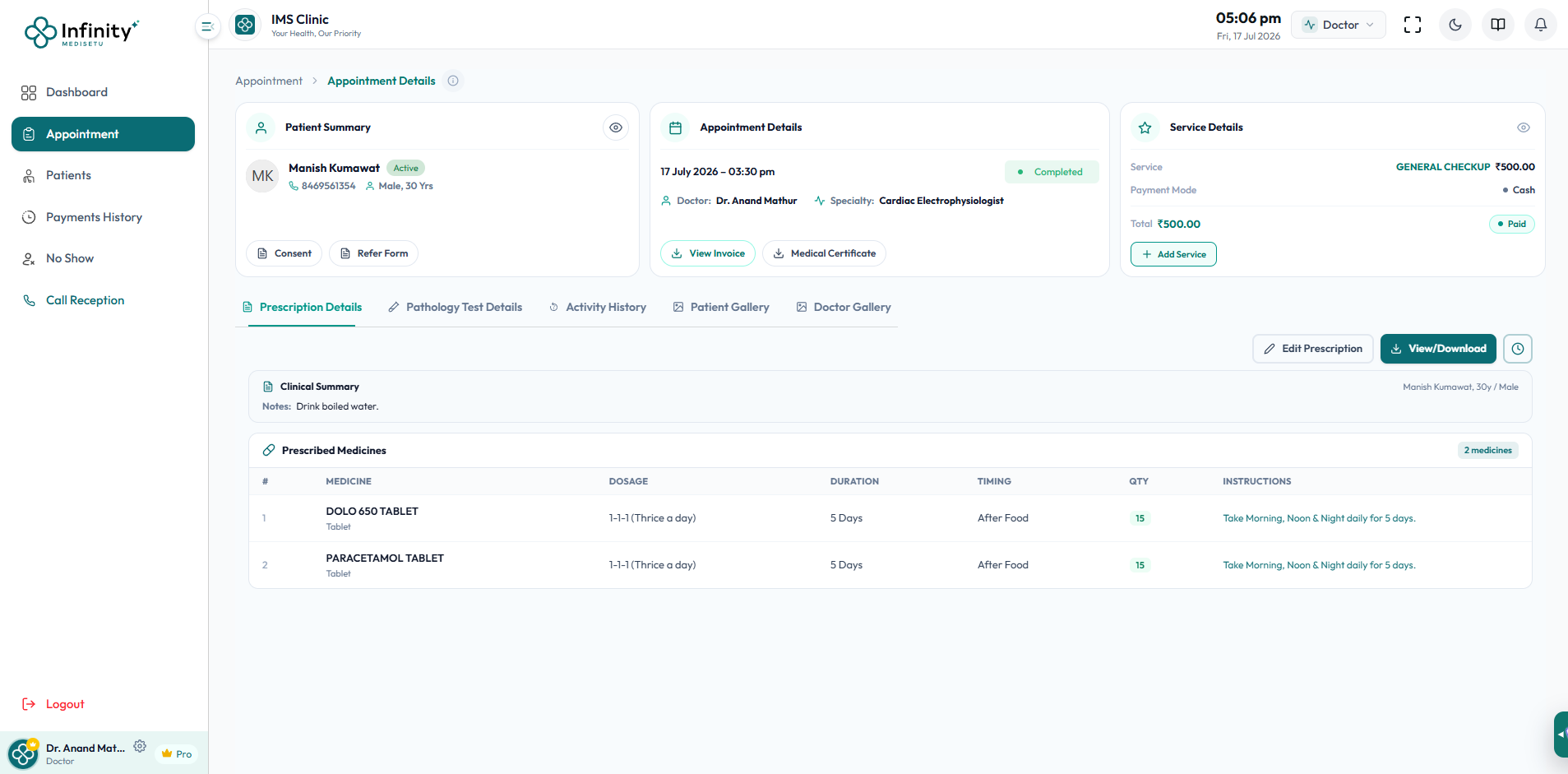
Our Outpatient Department (OPD) & Scheduling module transforms your front-desk operations into a highly coordinated system. It eliminates scheduling friction, reduces patient waiting times by up to 40%, and maximizes doctor slot utilization. The appointment dashboard offers three flexible views — Table View (patient/doctor/payment/status columns), Card View (patient cards with consultation details), and Calendar/Scheduler View (weekly time-slot calendar with doctor filter) — so every team member works the way they prefer. No-show tracking, automated reminders, and real-time queue status make this the hub of every clinic's daily workflow.
Core Capabilities & Workflows
Explore the deep functionality and user interfaces built to simplify clinic management.

Three-View Appointment Dashboard
Switch between Table View (columnar patient/doctor/status list), Card View (visual patient cards showing consultation type, payment mode, and status tags), and Calendar/Scheduler View (weekly slot grid with doctor filter and fullscreen mode) — giving every team member the exact interface they need.
- Table, Card & Calendar layout options
- Filter by doctor, date, and appointment status

Real-Time Queue Status Board
A live queue status widget shows who is next, current estimated wait time, and queue health status (On time / Behind). Reception staff can dismiss queue alerts or update patient check-in status instantly without navigating away from the appointments list.
- Live patient estimated wait time indicator
- One-click check-in and queue status updates

Appointment Metrics at a Glance
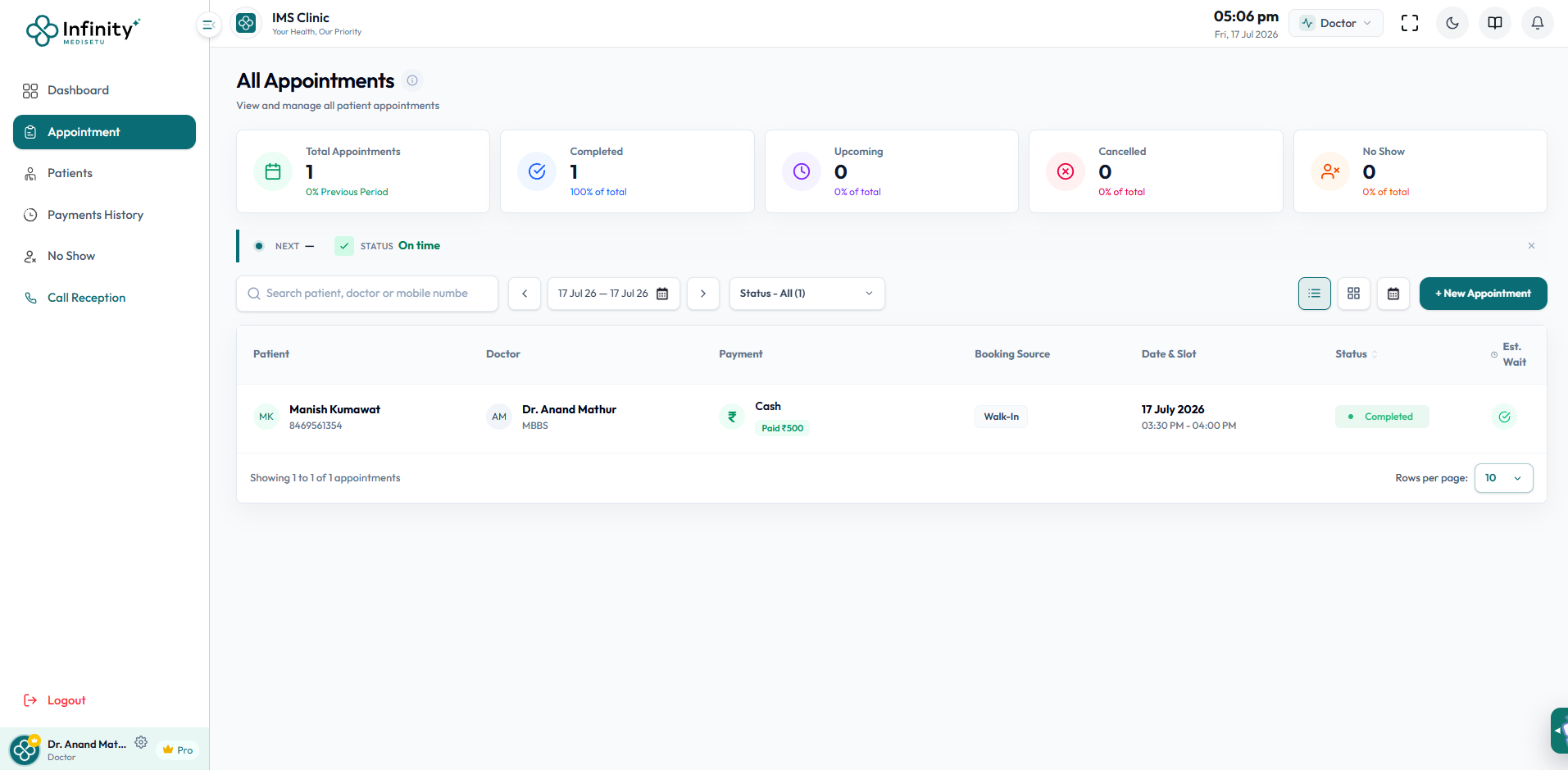
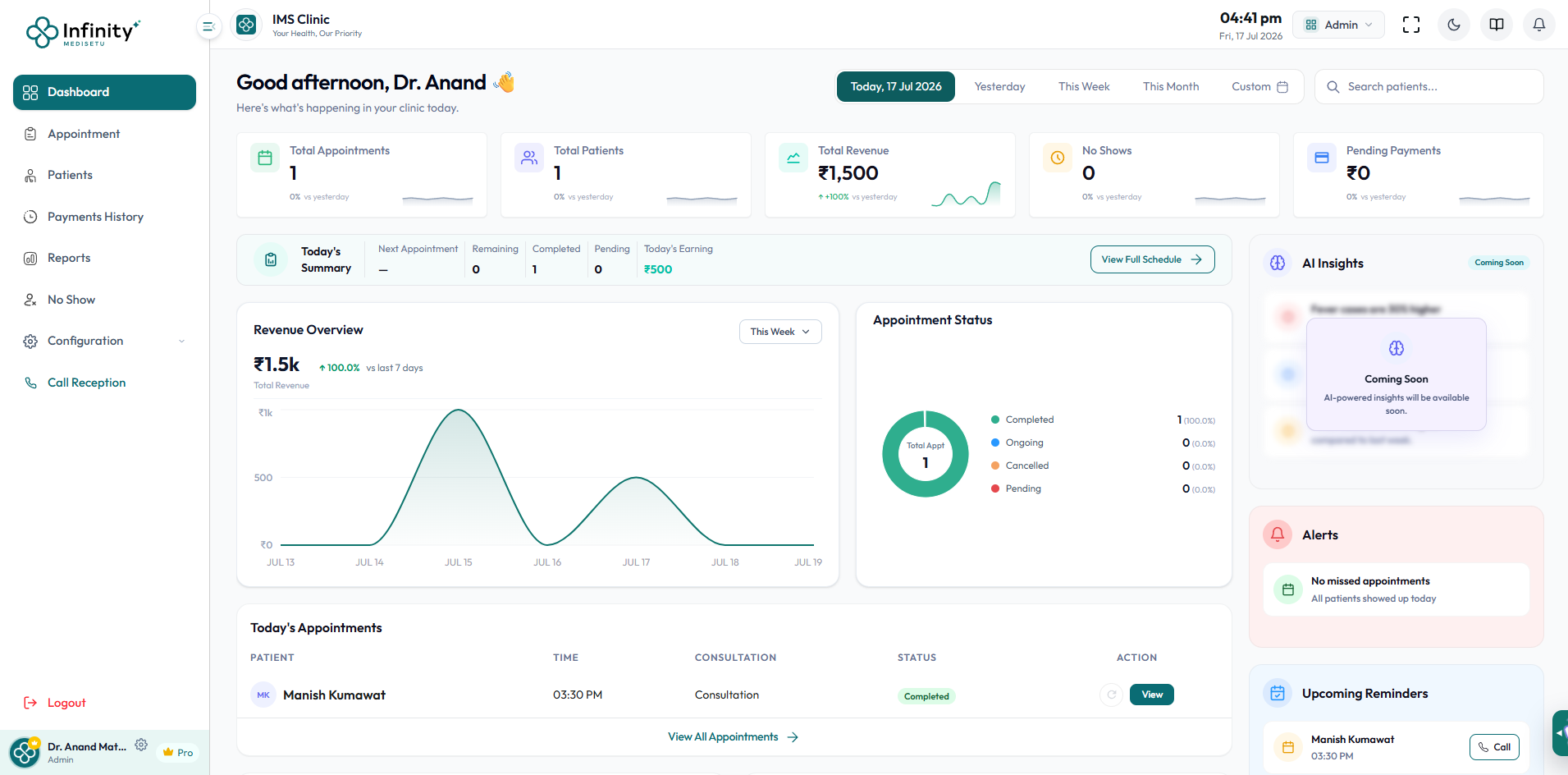
The appointment header instantly shows total appointments, count of completed, upcoming, cancelled, and no-show bookings as percentage cards — giving clinic managers real-time OPD performance visibility without opening a separate report.
- Real-time completed vs pending appointment counts
- No-show and cancellation rate tracking

Automated Patient Notifications
Send instant booking confirmations and timely reminders via WhatsApp, SMS, or email — 24 hours and 2 hours before each appointment. Customisable message templates keep communications on-brand.
- Automated 24h & 2h reminder triggers
- Multi-channel support (WhatsApp, SMS & Email)
Why Choose Our Scheduling?
Explore the key benefits that make our solution perfect for modern clinic management.
Table, Card & Calendar Views
Three flexible appointment views so every team member — receptionist, doctor, admin — works in their preferred layout.
Queue & Walk-in Management
Smooth check-in flows for both pre-booked and walk-in patients with live token display.
No-Show Tracking Module
A dedicated No-Show page tracks all missed appointments with follow-up management options.
Doctor Availability Planner
Multi-shift scheduler with customisable slot intervals, lunch breaks, and holiday settings.
Booking Source Tracking
See exactly how each appointment was booked (online portal, reception desk, walk-in) for channel analytics.
Patient Self-Booking
Patients book their own slots online or via the app, reducing reception workload by up to 60%.
How It Works
Simple, step-by-step workflow designed for extreme efficiency.
Step 1: Shift Planning
Admins customise shift timings, lunch breaks, holiday lists, and patient slot intervals for each doctor.
Step 2: Smart Booking
Front desk or patients book slots on the real-time interactive calendar. The appointment appears instantly across all views — table, card, and calendar.
Step 3: Check-in & Queue
Check in patients automatically, assigning queue numbers for both pre-booked slots and spot walk-ins. The live queue status board keeps the entire clinic team in sync.
Frequently Asked Questions
Got questions? We have answers. Learn more about the OPD & Scheduling.